If your third graders look confused when you mention “breaking apart rectangles” or “area models,” you’re not alone. Teaching CCSS.Math.Content.3.MD.C.7c — using area models to show the distributive property — is one of those skills that seems simple on paper but requires concrete, hands-on teaching to truly click. This post breaks down five research-backed strategies that help students visualize how breaking apart rectangles connects to breaking apart multiplication problems.
Key Takeaway
Students master area models for the distributive property when they can physically tile rectangles before moving to abstract representations.
Why Area Models Matter in Third Grade Math
The distributive property forms the foundation for multi-digit multiplication, factoring, and algebraic thinking in later grades. Standard CCSS.Math.Content.3.MD.C.7c specifically asks students to use tiling to demonstrate that a rectangle with dimensions a × (b + c) equals a × b + a × c. This isn’t just about area — it’s about developing number sense and multiplicative reasoning.
Research from the National Council of Teachers of Mathematics shows that students who master visual models for multiplication in elementary grades demonstrate 23% higher performance on algebraic concepts in middle school. The concrete-representational-abstract (CRA) progression is particularly effective for this standard, with students needing extensive hands-on experience before moving to drawings or symbols.
This skill typically appears in late fall or early winter, after students have mastered basic multiplication facts and understand area as “squares that fit inside.” Students should be comfortable with rectangular arrays and skip counting before tackling the distributive property through area models.
Looking for a ready-to-go resource? I put together a differentiated area models pack with 132 problems across three levels — but first, the teaching strategies that make it work.
Common Area Model Misconceptions in Third Grade
Common Misconception: Students think they need to count every single square instead of using multiplication.
Why it happens: They haven’t connected area measurement to multiplication yet.
Quick fix: Start with small rectangles (3×4) and have them count, then show the multiplication shortcut.
Common Misconception: Students believe you can only break apart rectangles horizontally, not vertically.
Why it happens: Most textbook examples show horizontal splits only.
Quick fix: Demonstrate both orientations with the same rectangle and show that the total area stays the same.
Common Misconception: Students think the distributive property only works with addition, not understanding the connection to multiplication.
Why it happens: They see (5 + 3) × 4 as completely different from 5 × 4 + 3 × 4.
Quick fix: Use consistent color-coding to show how each part of the rectangle matches each part of the equation.
Common Misconception: Students confuse perimeter and area when working with rectangle models.
Why it happens: Both involve measuring rectangles, but in different ways.
Quick fix: Always emphasize “squares inside” for area versus “distance around” for perimeter.
5 Research-Backed Strategies for Teaching Area Models
Strategy 1: Physical Tiling with Square Manipulatives
Students need to physically build rectangles with square tiles before they can visualize breaking them apart. This concrete experience forms the foundation for all abstract work with the distributive property.
What you need:
- Square tiles or unit cubes (at least 50 per student)
- Rectangle outline cards (drawn on paper)
- Colored tape or markers
Steps:
- Give students a rectangle outline labeled 4 × 7
- Have them fill it completely with square tiles
- Ask: “How many squares fit inside?” (28)
- Place colored tape to split the rectangle into 4 × 3 and 4 × 4 sections
- Count squares in each section separately: 12 + 16 = 28
- Connect to multiplication: 4 × 7 = 4 × (3 + 4) = 4 × 3 + 4 × 4
Strategy 2: Grid Paper Rectangle Drawing
Once students understand tiling physically, they can represent the same concepts on grid paper. This bridges the gap between concrete manipulatives and abstract number work.
What you need:
- 1-inch grid paper
- Colored pencils or crayons
- Rectangle dimension cards
Steps:
- Students draw a rectangle with given dimensions on grid paper
- Color one section of the rectangle (e.g., first 5 columns of a 6×8 rectangle)
- Use a different color for the remaining section
- Write the area equation: 6 × 8 = 6 × 5 + 6 × 3 = 30 + 18 = 48
- Verify by counting total grid squares
Strategy 3: The “Garden Plot” Real-World Connection
Students understand area models better when they connect to familiar contexts. Garden plots provide a perfect real-world application that makes the math meaningful.
What you need:
- Garden plot scenarios (written problems)
- Grid paper or square tiles
- Calculators for checking
Steps:
- Present scenario: “Maya’s garden is 5 feet by 9 feet. She plants tomatoes in a 5×4 section and peppers in the rest.”
- Students model the garden with tiles or grid paper
- Identify the two crop sections: 5×4 and 5×5
- Calculate area of each: 20 + 25 = 45 square feet
- Connect to distributive property: 5 × 9 = 5 × (4 + 5) = 5 × 4 + 5 × 5
Strategy 4: Interactive Area Model Anchor Chart
A class-created anchor chart helps students reference the steps for breaking apart rectangles. Building it together ensures everyone understands each component.
What you need:
- Large chart paper
- Sticky notes in two colors
- Markers
- Velcro strips (optional)
Steps:
- Draw a large rectangle on chart paper (8×6 works well)
- Use sticky notes to “tile” part of the rectangle
- Split rectangle with a line and use different colored notes for each section
- Write the equation below: 8 × 6 = 8 × (4 + 2) = 8 × 4 + 8 × 2 = 32 + 16 = 48
- Add student language: “Break apart the rectangle, multiply each part, add them together”
Strategy 5: Partner Rectangle Challenge Game
Game-based practice helps students apply area model thinking in an engaging, low-pressure format. Partner work also allows peer teaching and discussion.
What you need:
- Rectangle dimension cards
- Grid paper or tiles
- Timer
- Recording sheets
Steps:
- Partner A draws a rectangle dimension card (e.g., 7×9)
- Partner B must split it into two parts and find both partial areas
- Partner A checks the work and total area calculation
- Switch roles and repeat with a new rectangle
- Award points for correct splits and accurate arithmetic
How to Differentiate Area Models for All Learners
For Students Who Need Extra Support
Start with rectangles no larger than 4×6 and provide pre-drawn grid paper with light lines showing where to split. Use consistent color-coding (always blue for the first section, red for the second) and allow calculator use for the final addition step. Focus on the pattern rather than computational fluency. Provide sentence frames: “I can split ___ × ___ into ___ × ___ plus ___ × ___.”
For On-Level Students
Work with rectangles up to 8×9 and expect students to choose their own split points. They should be able to explain why their split makes sense and check their work by calculating the total area two different ways. Include word problems that require setting up the rectangle model from a real-world context.
For Students Ready for a Challenge
Introduce three-part splits and non-unit rectangles (like 6.5×8). Challenge students to find multiple ways to split the same rectangle and compare which method feels easier for mental math. Connect to algebraic thinking: if a rectangle is x×12, how could you split it to make multiplication easier? Explore how this connects to the standard algorithm for multi-digit multiplication.
A Ready-to-Use Area Models Resource for Your Classroom
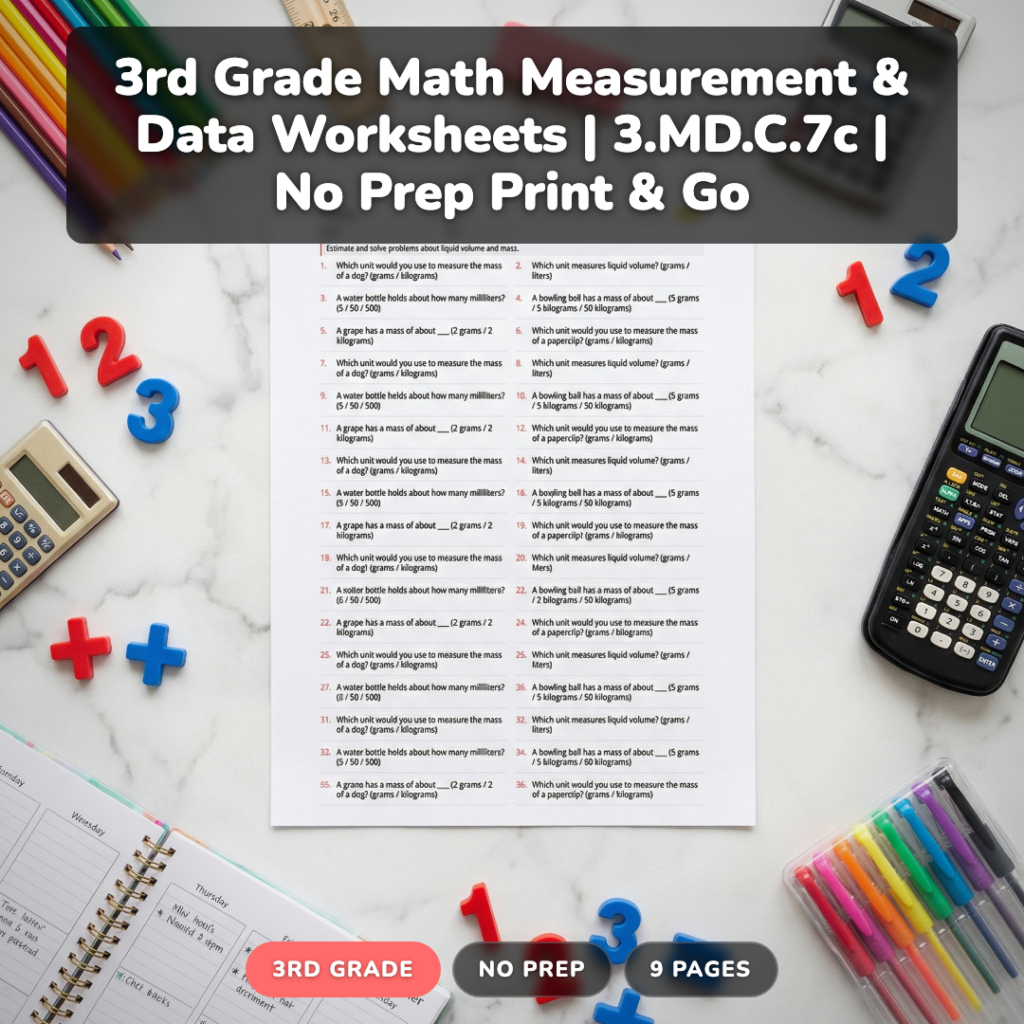
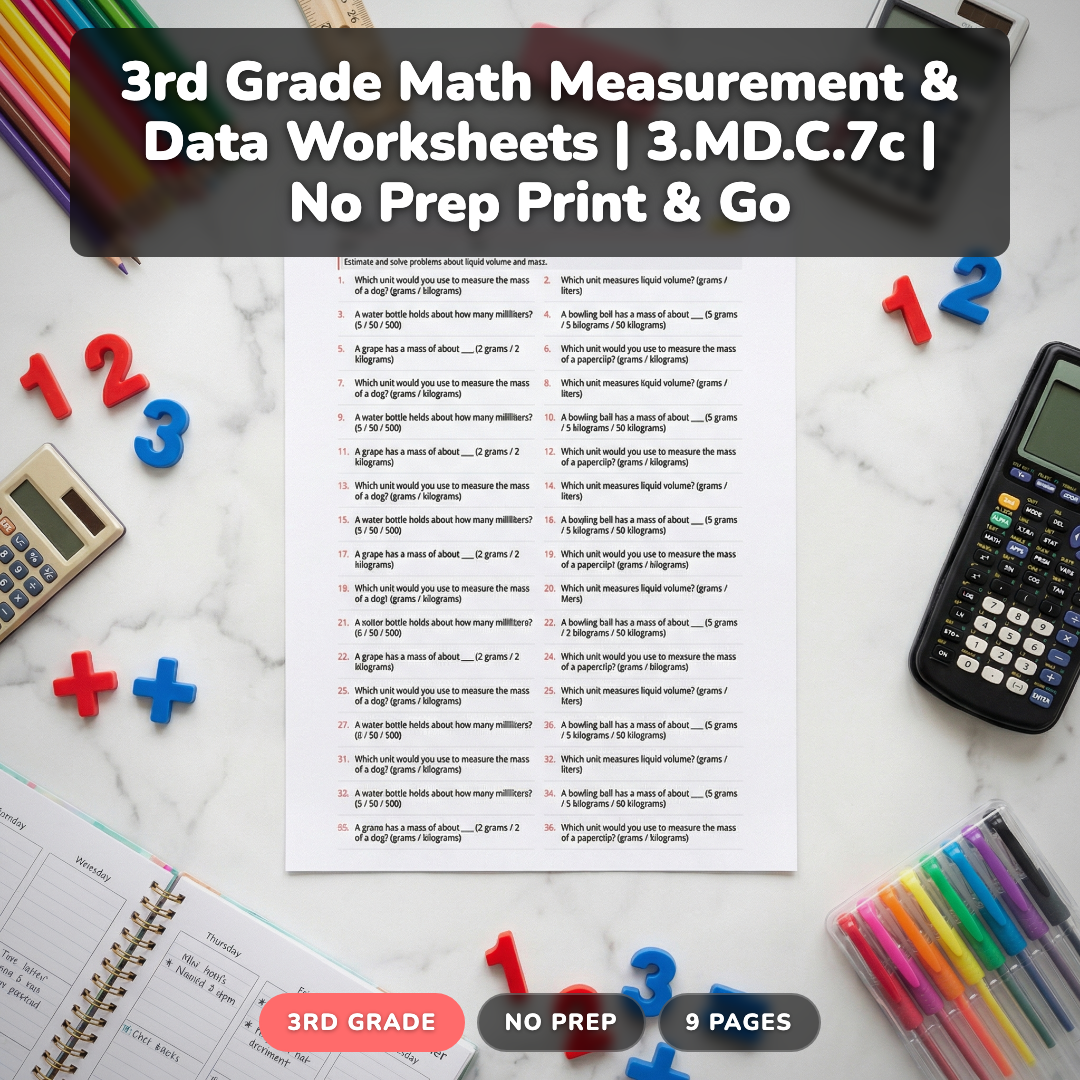
After trying these strategies with hundreds of students, I created a comprehensive resource that takes the guesswork out of differentiated practice. This 9-page pack includes 132 carefully scaffolded problems across three distinct levels, all aligned to CCSS.Math.Content.3.MD.C.7c.
The Practice level starts with pre-drawn rectangles and guided split lines, perfect for students still building confidence. On-Level problems require students to choose their own split points and work with larger dimensions. The Challenge level introduces three-part splits and real-world applications that connect area models to practical situations.
What sets this apart is the consistent visual format — every problem uses the same rectangle-to-equation progression, so students can focus on the mathematical reasoning rather than figuring out new layouts. Answer keys are included for each level, and the problems progress systematically from concrete tiling exercises to abstract distributive property applications.
Each level includes detailed answer explanations and suggested teaching notes to help you guide student thinking. The variety ensures you’ll have appropriate practice whether you’re introducing the concept or reviewing before assessments.
Grab a Free Area Model Sample to Try
Want to see how these differentiated problems work in your classroom? I’ll send you a free sample pack with 5 problems from each level, plus a quick reference guide for teaching area models effectively. Perfect for trying out the approach before committing to the full resource.
Frequently Asked Questions About Teaching Area Models
When should I introduce area models for the distributive property in third grade?
Introduce area models after students master basic multiplication facts through 5×5 and understand area as “squares that fit inside.” This typically happens in late fall, around November or December, after establishing rectangular arrays and skip counting patterns.
How do I help students who confuse area and perimeter during rectangle activities?
Use consistent language: “squares inside” for area versus “distance around the edge” for perimeter. Have students trace the perimeter with their finger while saying “around” and tap inside squares while saying “inside.” Color-code: blue for perimeter lines, yellow for area squares.
What’s the connection between area models and the standard multiplication algorithm?
Area models show the “why” behind partial products in the standard algorithm. When students split 23×15 into (20+3)×15, they’re using the same thinking as splitting a rectangle. The visual model helps them understand why we multiply each digit separately then add.
Should students always split rectangles the same way, or can they choose?
Students should learn to choose strategic splits. For 6×8, splitting into 6×5 + 6×3 uses friendly numbers. For mental math, 6×10 – 6×2 might be easier. Teaching multiple strategies develops flexible thinking and prepares students for algebraic reasoning.
How do I assess whether students truly understand the distributive property through area models?
Ask students to explain their thinking verbally, not just show their work. Can they predict the total area before calculating? Do they see the connection between the rectangle split and the equation? Assessment should include both computational accuracy and conceptual understanding.
Making Area Models Stick
The key to successful area model instruction is moving slowly through the concrete-representational-abstract progression. Students who rush to abstract equations without sufficient hands-on experience often develop misconceptions that are difficult to correct later. What’s your go-to strategy for helping students visualize the distributive property?
Remember to grab your free area model sample above — it’s a great way to try these strategies with your class before diving into more extensive practice.